

AI for financial services workflows
Customer questions answered, documents collected and routed, and every regulated decision left with a person, with a record of each step.
Updated
Quick answer
Trilix AI builds AI for lenders, payment firms and financial-service teams. It answers common questions, chases missing documents and routes work, while people review and approve anything regulated. Every step is logged. Most first builds are live in about 10 days, priced as a setup fee plus a monthly fee scoped on the first call.
Lenders, payment firms and financial-service teams handle onboarding, document requests, service tickets and approvals, much of it by email and manual follow-up.
We automate the routine parts, like answering common questions, chasing missing documents and routing work, while people review and approve anything regulated. Every step is logged.
Who is it for?
- Banks — retail, commercial, and digital banks managing high-volume customer and internal workflows
- Fintechs — rapidly scaling firms requiring controlled automation and audit trails
- Leasing companies — asset finance organizations handling document-intensive onboarding workflows
- Payment firms — payment processors and digital payment companies with compliance-sensitive operations
- Customer operations teams seeking measurable workflow visibility and reporting
- Compliance-adjacent and internal workflow teams requiring governance controls and auditability
Where do financial workflows slow down?
Manual Workflows
Teams spend time routing requests, documents, approvals, and service cases manually.
Document Gaps
Customer or internal files may remain incomplete without structured follow-up.
Escalation Risk
Sensitive cases require proper routing, ownership, and human review.
Auditability Needs
AI-assisted workflows must remain visible, controlled, and reviewable.
Slow Reporting
Leadership may lack a live view into request status and workflow bottlenecks.
How does it work with human review?
Connected to your service channels and document systems, with human review built into the flow.
- 1ReceiveCollect requests across all channels and input types.
- 2ClassifyIdentify workflow category, document completeness, or escalation flag.
- 3RouteDirect each request to the appropriate team or reviewer.
- 4ReviewHuman oversight and approval for regulated or sensitive items.
- 5ReportDeliver audit trails, escalation logs, and resolution dashboards.
Missing onboarding documents
An example of how it plays out.
- What happens
- A customer submits an onboarding request with missing required documents.
- What the system does
- Trilix AI identifies the missing items, triggers a structured follow-up request, routes the case for human review, logs all activity, and updates the workflow dashboard.
- The result
- The onboarding workflow becomes visible, assigned, and easier to complete — with full human oversight and an audit trail at every step.
What does it track?
A good place to start: Automate missing document follow-up and human review routing for onboarding, service requests, or internal workflow approvals.
Free tools: Missed call calculator · AI receptionist vs staff cost
Request Routing Time
How quickly requests are routed to the correct team.
Missing Document Volume
Open document gaps across active workflows.
Follow-Up Completion
Rate of resolved missing-document requests.
Human Review Volume
Cases routed for required approval.
Escalation Time
Time from rule trigger to reviewer notified.
Reporting Speed
Time to generate audit and operational reports.
Case studies
- Demo: internal audit command center for a multi-company groupRisk-based planning, every transaction tested, payroll analytics, nightly control tests and board packs.
- Demo: finance command center for a general contractorProject cost forecasts, unbilled variations, a 13-week cash forecast, receivables and month-end close.
- Demo: finance and operations platform for a diversified groupCash, margin bridges, capital allocation, risk and a board pack that assembles itself.
Related services
- AI automation agencyWhat an AI automation agency does, how it prices and how to pick one.
- Workflow automationPOS to QuickBooks, follow-ups, reports and approvals, built around your tools.
- Enterprise AIData ownership, hosting choices, governance and how procurement works with us.
- Custom AI developmentAgents, dashboards, CRMs and assistants built to your spec, owned by you.
Questions operators ask
Something else on your mind? Ask us directly or call 416-262-2723.
Is AI automation appropriate in a regulated financial environment?
For selected workflows, with controls. Trilix AI automates routing, document follow-up and reporting while keeping human review, audit trails, role-based routing and escalation rules in place.
Which workflows are a good starting point?
Missing-document follow-up and human-review routing for onboarding, service requests or internal approvals. They are high-volume, rules-based and easy to measure.
Does the AI approve applications or transactions?
No. Regulated or sensitive items go to a human reviewer for approval. The system prepares, routes and tracks the work, and records each step.
Can it be deployed privately or on-premises?
Yes. It can run in the cloud, in-region, in a private environment or on-premises, depending on your data governance and regulatory requirements.
Built for
The businesses we build for
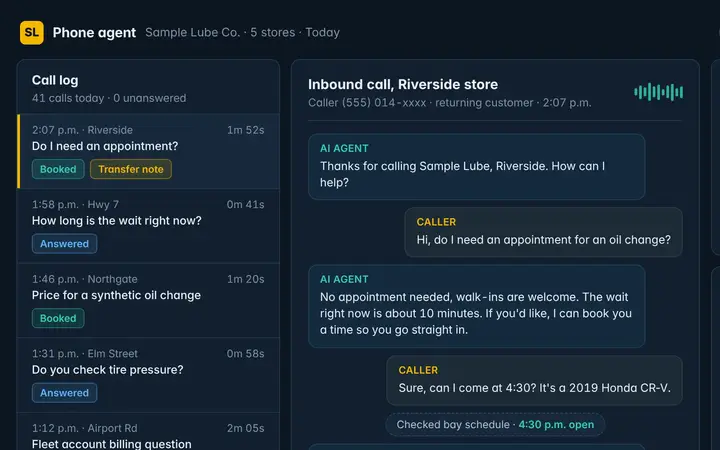 Auto service & car washPhone agent · Cameras · Dashboard
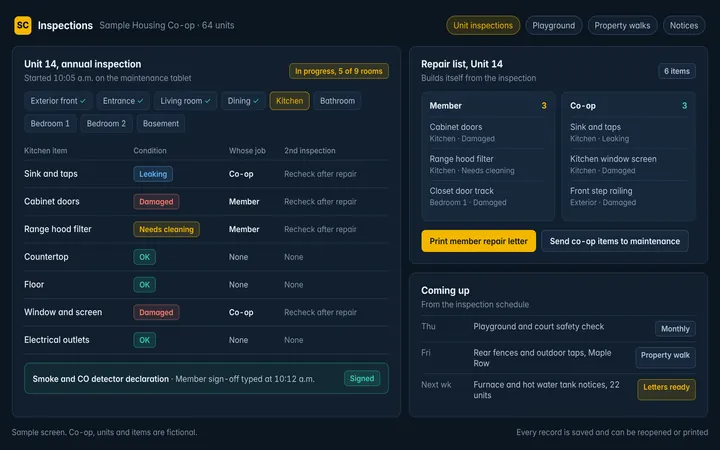 Property management & co-opsBack office
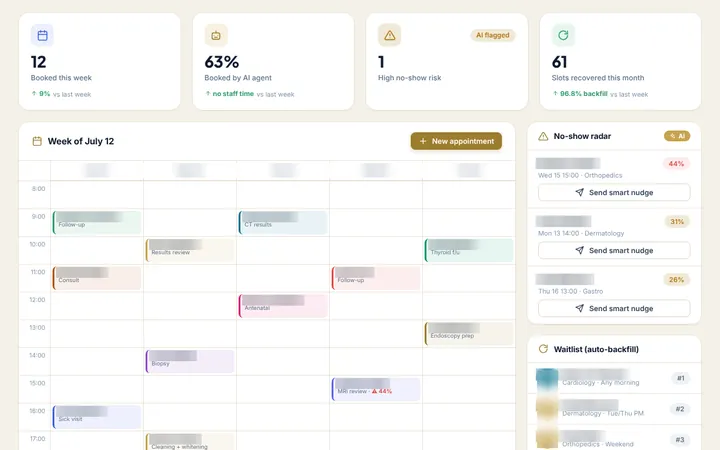 Clinics & healthcarePhone agent · Back office · Dashboard
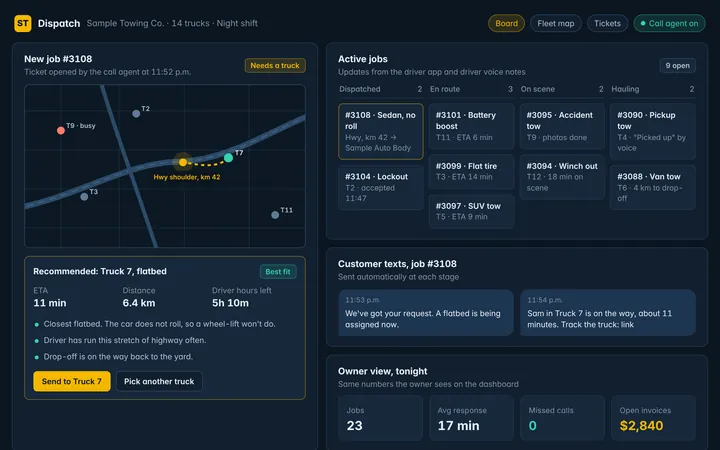 Logistics & field servicePhone agent · Dashboard · Back office
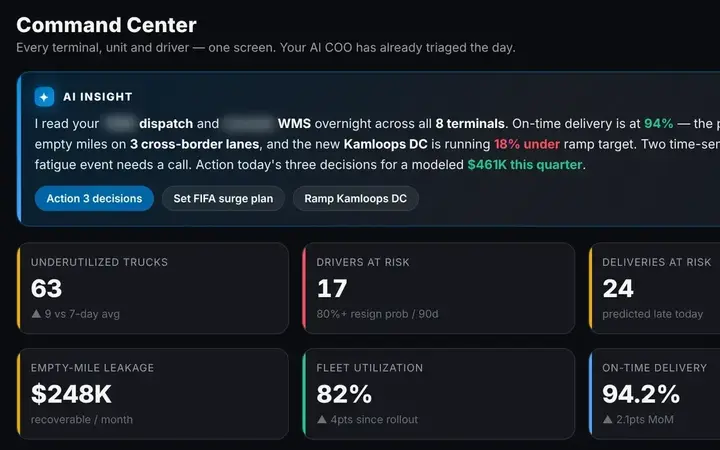 Holding groups & multi-businessDashboard · Back office
Thumbnails are sample screens and demo builds with fictional data.
…They can build out anything. It started out just automating some reports. And then I was like, hey, can you do this? He’s like, absolutely.
Video testimonial
Watch the clip on LinkedInYou give us one call and access. We do the rest.
No long discovery project and no new software for your team to learn first. We start with what costs you most and ship it.
- 1
One 30-minute call
You walk us through how the business runs and where the time goes. We show what we’ve built for other operators and sketch your one-year roadmap.
- 2
You give us access
Logins or read access to the systems involved: phones, POS, accounting, cameras. We handle the setup from there.
- 3
We build, you check
We build around your own data and show it working before anything goes live. Your part is a short review.
- 4
Live in about 10 days
Then we keep it running every month and work down the roadmap with you. Bigger builds go live in phases.
Start with the work that costs you most.
Tell us how the work runs today. We’ll show you what we’ve built for similar businesses and what we’d build first for yours.