

AI for franchise operations and multi-unit franchisees
Daily checklists, missed tasks, inventory gaps and open issues for every unit, on one screen for owners and area managers.
Updated
Quick answer
Trilix AI builds AI systems for multi-unit franchisees and franchise operators. They track checklists and tasks per unit, flag inventory gaps and repeat issues, and send owners and area managers a daily view of every location. Most first builds are live in about 10 days, priced as a setup fee plus a monthly fee scoped on the first call.
Multi-unit franchisees and franchise operators run the same playbook in every location, but rarely find out in time whether it was followed.
Head office ends up relying on manager updates, field visits and reports that arrive after the problem.
We build systems that track checklists and tasks per unit, flag inventory gaps and repeat issues, and send owners and area managers a daily view of every location.
Who is it for?
- Multi-unit franchisees & area developers
- Retail chains & franchise operators
- Food & beverage groups
- Convenience stores & grocery operators
- Specialty retail & service franchises
- Multi-branch family businesses
- Area and district managers
Where do multi-unit operators lose track?
You find out at the store visit
An empty shelf, a skipped opening checklist or a line at one till shows up when someone drives there, days later.
Every store does it differently
The SOP is the same on paper. Whether the 7 a.m. checks happened is a guess unless someone was standing there.
Received is not the same as on the shelf
The delivery is in the back room, the shelf is still empty, and the POS just shows lower sales for that item.
Reports built by hand
District managers spend hours each week copying numbers from the POS, the scheduling tool and emails into one sheet.
No fair way to compare stores
A big store always looks best on totals, so the weak store in each district hides behind the average.
How does it work across your units?
Connected to your POS, inventory and task tools. Area managers get the exceptions, not the noise.
- 1MonitorCollect branch activity, task, inventory, workflow, and operational signals.
- 2ValidateCompare expected operating standards against actual branch execution.
- 3DetectIdentify missed tasks, unusual patterns, inventory exceptions, or service gaps.
- 4AssignRoute exceptions to branch managers, area managers, or operations teams.
- 5ReportSummarize branch performance, task completion, exception trends, and issue resolution.
the dairy shelf at 4 p.m.
An example of how it plays out.
- What happens
- A grocery store logs a dairy delivery as received at 10 a.m. At 4 p.m. the camera over the dairy case still shows two empty facings, and the POS shows sales of those items have stopped since noon.
- What the system does
- The store manager gets one alert with the camera frame, the time the delivery was received and the items affected. When the facing is refilled, the camera sees it and the alert closes with the refill time.
- The result
- The weekly report shows alert-to-refill time by store and by department, so the district manager can see which stores restock within the hour and which leave gaps into the evening rush. Names, times and items here are an example, not client data.
What does it track?
Free tools: Missed call calculator · AI receptionist vs staff cost
Task Completion Rate
Daily checklist and operating-standard adherence by branch.
Branch Exception Volume
Exceptions detected per branch and per period.
Inventory Variance
Gaps between expected and actual product movement.
Escalation Time
Time from exception detected to manager notified.
Issue Resolution Time
Time from alert to confirmed closure.
Reporting Speed
Time leadership spends compiling branch reports.
Case studies
- Demo: shelf monitoring and store operations for a grocery chainCamera shelf alerts, stockout prediction, fresh markdowns, loss prevention, queues and staffing.
- Demo: supply chain command center for a dairy and food makerDemand forecasts, feed costs, plants, cold chain exceptions, shelf availability and quality.
Related services
- Executive dashboardEvery store on one screen, with operational reports by group.
- Workflow automationPOS to QuickBooks, follow-ups, reports and approvals, built around your tools.
- AI for mid-sized businessesSeveral locations: phone agents at every site, one dashboard and a back office that scales.
- Custom AI developmentAgents, dashboards, CRMs and assistants built to your spec, owned by you.
Further reading
- Shelf Monitoring for Grocery Stores: What Works When BusyWhich shelf monitoring systems work in busy grocery stores: existing cameras vs shelf cameras vs robots, accuracy with shoppers in the way, alert routing.
- How to Hold Managers Accountable Across Multiple StoresHow to hold managers accountable across multiple stores: KPIs by store, a daily scorecard, a weekly one-on-one, and what cameras and dashboards show.
- Every Store Does It Differently: Keeping SOPs ConsistentWhen every store does it differently: how multi-location auto service owners keep SOPs consistent, which steps to lock, and how to check they happen.
- AI for Franchisors: Where It Actually Helps OperationsAI for franchisors, by use case: brand-standard checks, franchisee reporting, development lead response, call handling and rollout governance.
Questions operators ask
Something else on your mind? Ask us directly or call 416-262-2723.
How does AI help multi-unit franchisees?
It gives the owner or area manager one view of every location: daily checklists, missed tasks, inventory exceptions and open issues, flagged as they happen instead of discovered on the next store visit.
Can franchisors use it, or only franchisees?
Both. A franchisor can see how operating standards are followed across the network, while each franchisee keeps a view of their own units. What each person can see is set by role.
Do our locations need new hardware or a new POS?
Usually not. Trilix AI connects through APIs to the systems your locations already use, such as POS, task tools and messaging. We confirm what is available at your locations on the first call.
Where should a franchise operator start?
With one workflow at a few locations, often the daily opening and closing checklist or inventory exceptions. Once task completion and escalation times are measured, it rolls out to more units.
Built for
The businesses we build for
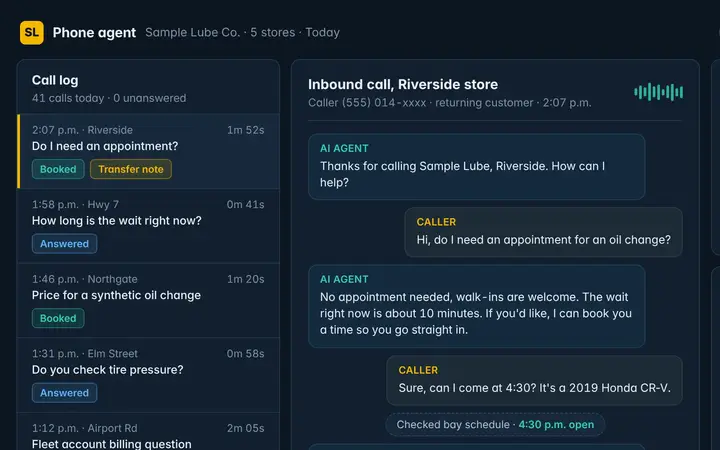 Auto service & car washPhone agent · Cameras · Dashboard
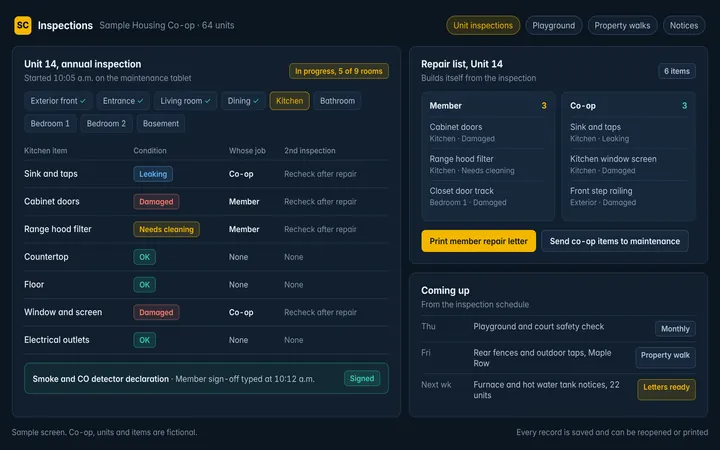 Property management & co-opsBack office
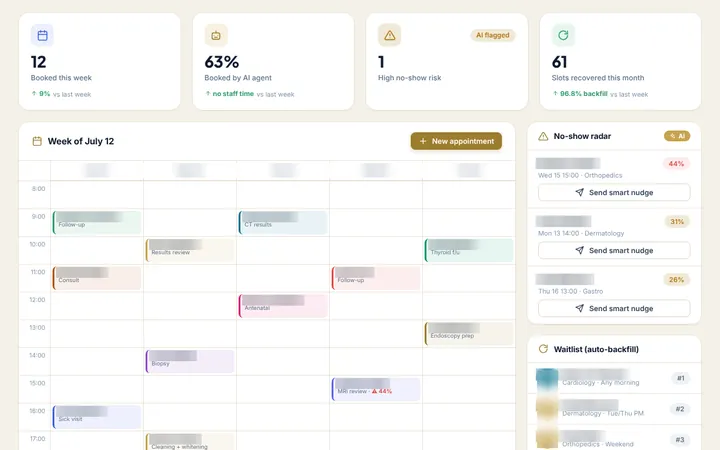 Clinics & healthcarePhone agent · Back office · Dashboard
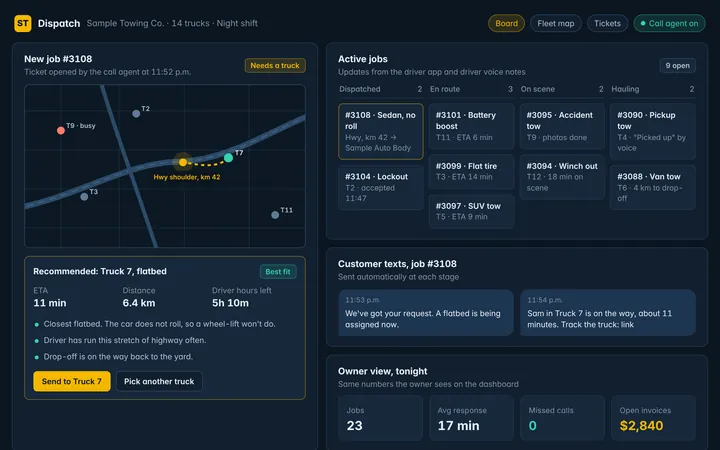 Logistics & field servicePhone agent · Dashboard · Back office
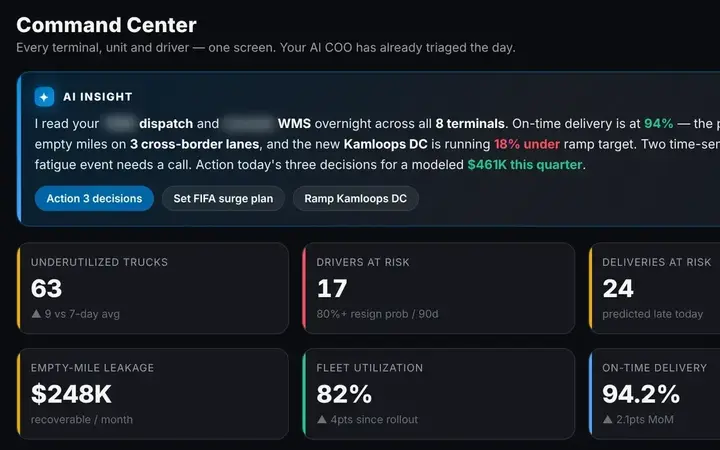 Holding groups & multi-businessDashboard · Back office
Thumbnails are sample screens and demo builds with fictional data.
…They can build out anything. It started out just automating some reports. And then I was like, hey, can you do this? He’s like, absolutely.
Video testimonial
Watch the clip on LinkedInYou give us one call and access. We do the rest.
No long discovery project and no new software for your team to learn first. We start with what costs you most and ship it.
- 1
One 30-minute call
You walk us through how the business runs and where the time goes. We show what we’ve built for other operators and sketch your one-year roadmap.
- 2
You give us access
Logins or read access to the systems involved: phones, POS, accounting, cameras. We handle the setup from there.
- 3
We build, you check
We build around your own data and show it working before anything goes live. Your part is a short review.
- 4
Live in about 10 days
Then we keep it running every month and work down the roadmap with you. Bigger builds go live in phases.
Start with the work that costs you most.
Tell us how the work runs today. We’ll show you what we’ve built for similar businesses and what we’d build first for yours.