

A leadership platform
Every morning it reads grades, platform activity, attendance and wellbeing notes, then gives each team a short briefing with suggested next steps and one-click actions. There's an "ask anything" box for heads of section.
A layer on top of the systems the school already runs: it reads them overnight, tells each team what needs attention, and answers parents' routine questions.
This is a demo build. It runs on sample data. We keep the school's name private.
At a glance
Demo build, sample data
Schools already have the data. A student information system, a learning platform, attendance and counsellor notes. Nobody has time to read it all.
So leadership sees the school in pieces. Attendance sits in one report, grades in another, wellbeing notes in a counsellor's folder. A student sliding on all three looks fine on each one, until the report card lands. Quiet, capable kids who aren't top graders get missed.
Outside, parents phone the office for everything: fees, the bus, today's lunch, whether a test was marked. Admissions follow-up depends on who is free that afternoon, and accreditation evidence gets pulled together in a panic once a cycle.
The school didn't want to replace anything. It wanted something that reads what it has and says what to do next.
Every morning it reads grades, platform activity, attendance and wellbeing notes, then gives each team a short briefing with suggested next steps and one-click actions. There's an "ask anything" box for heads of section.
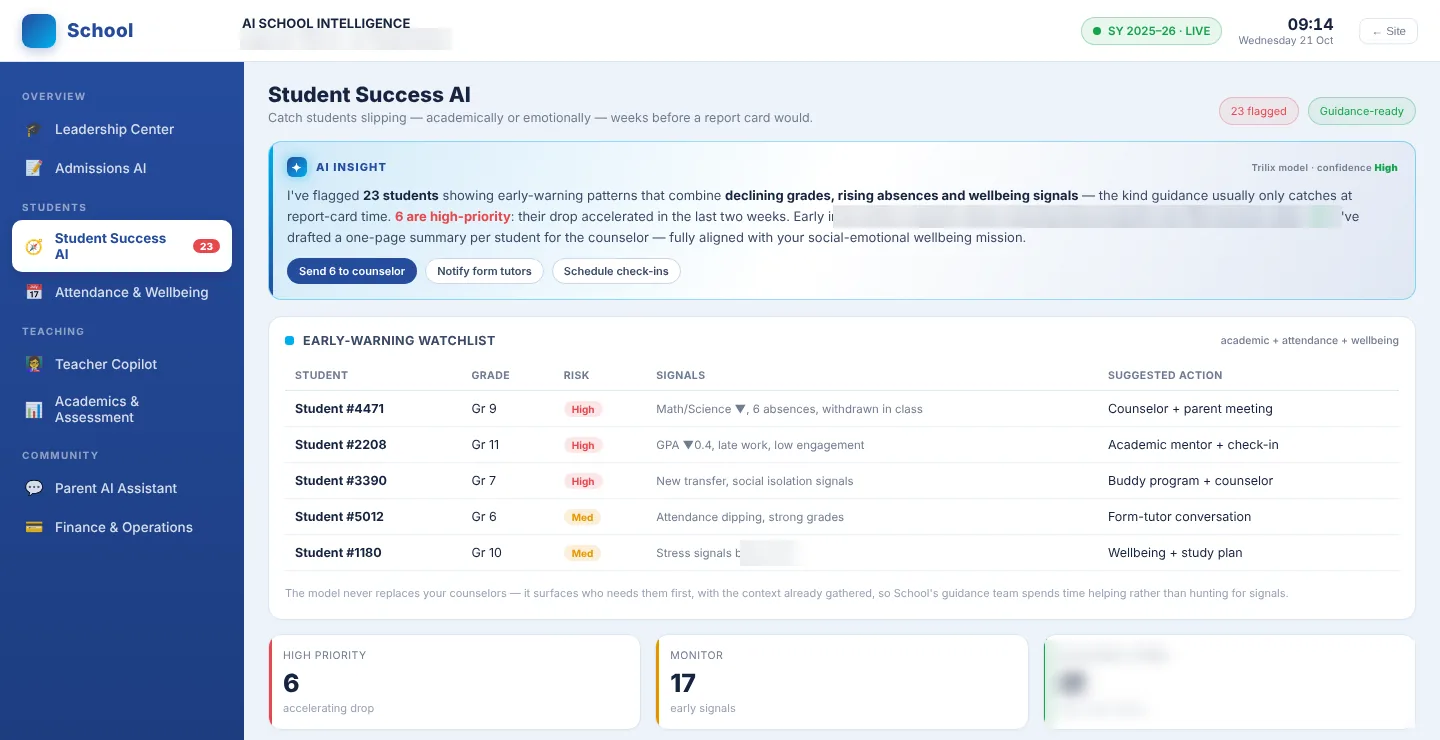
It blends grades, inactivity, attendance and wellbeing signals, with learners de-identified, and drafts a one-page summary for the counsellor. Staff decide what happens next.
A phone-first companion that gives each family their child's day at a glance and handles the questions that used to go to the office.
How the school runs. Its divisions and pathways, the guidance process, how it talks to parents and who approves what.
The school's own systems. We connect to the student information system and learning platform it already runs.
A first version in about 10 days. Teachers and counsellors stay in control, and nothing reaches a family without a person seeing it first.
The school owns its data, and it stays with the school.
See also industries we serve and executive dashboards.
Book a call and we'll show you the demo, from the morning briefing to the parent app.